Introduction
Modern software development relies on automation to deliver features quickly and reliably. Google Cloud Build Triggers are a key part of this automation, allowing you to automatically build and deploy your applications whenever code changes are pushed to your repository.
What Are Cloud Build Triggers?
Cloud Build Triggers are configurations in Google Cloud that listen for events in your source code repository (such as GitHub or Cloud Source Repositories). When a specified event occurs—like a push to the main branch or a pull request—Cloud Build automatically runs a build pipeline defined in your cloudbuild.yaml or cloudbuild.json file.
Benefits
- Continuous Integration/Continuous Deployment (CI/CD): Automate testing, building, and deploying your code.
- Consistency: Ensures the same steps are followed every time code is changed.
- Speed: Reduces manual intervention, allowing for faster releases.
- Scalability: Handles builds for multiple projects and environments.
Example: Setting Up a Cloud Build Trigger
Suppose you want to automatically build and deploy your frontend app whenever you push to the main branch. Here’s how you can set it up:
-
Create a Cloud Build Trigger in the GCP Console:
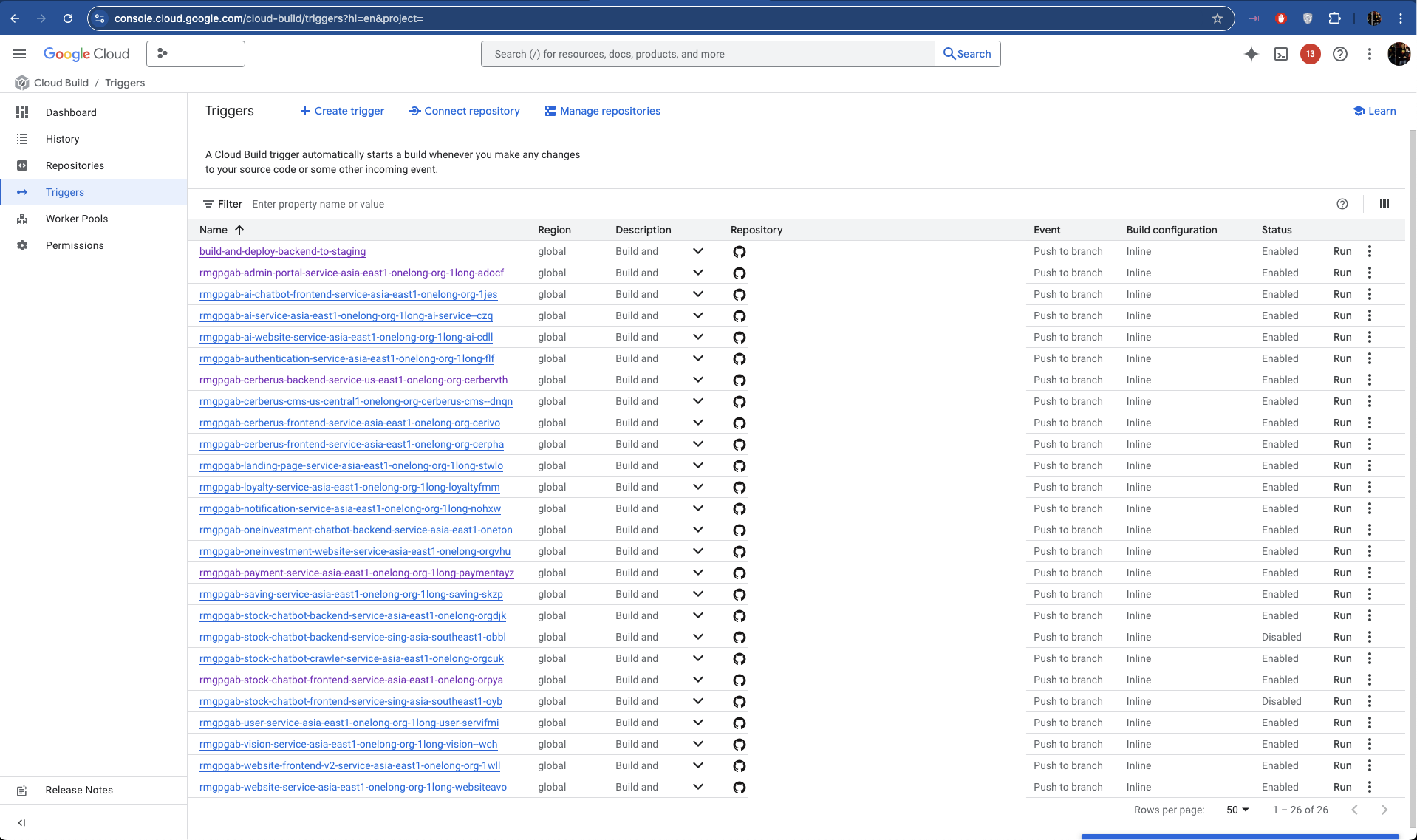
- Go to Cloud Build > Triggers.
- Click "Create Trigger".
- Connect your source repository (e.g., GitHub).
- Set the trigger event (e.g., push to
main). - Specify the build configuration file (
cloudbuild.yaml).
-
Sample
cloudbuild.yamlfor a Node.js/React App:
steps: - name: gcr.io/cloud-builders/docker id: Build args: - build - --build-arg - NEXT_PUBLIC_API_URL=https://your-api-url - --no-cache - -t - gcr.io/$PROJECT_ID/your-app:$COMMIT_SHA - . - -f - Dockerfile - name: gcr.io/cloud-builders/docker id: Push args: - push - gcr.io/$PROJECT_ID/your-app:$COMMIT_SHAimages: - gcr.io/$PROJECT_ID/your-app:$COMMIT_SHA- Deploy Automatically (Optional):
- Add a deployment step to your build file to deploy to Cloud Run, GKE, or App Engine.
Conclusion
Cloud Build Triggers are essential for automating your CI/CD pipeline in Google Cloud. They help you deliver code faster, with fewer errors, and ensure your deployments are repeatable