Introduction
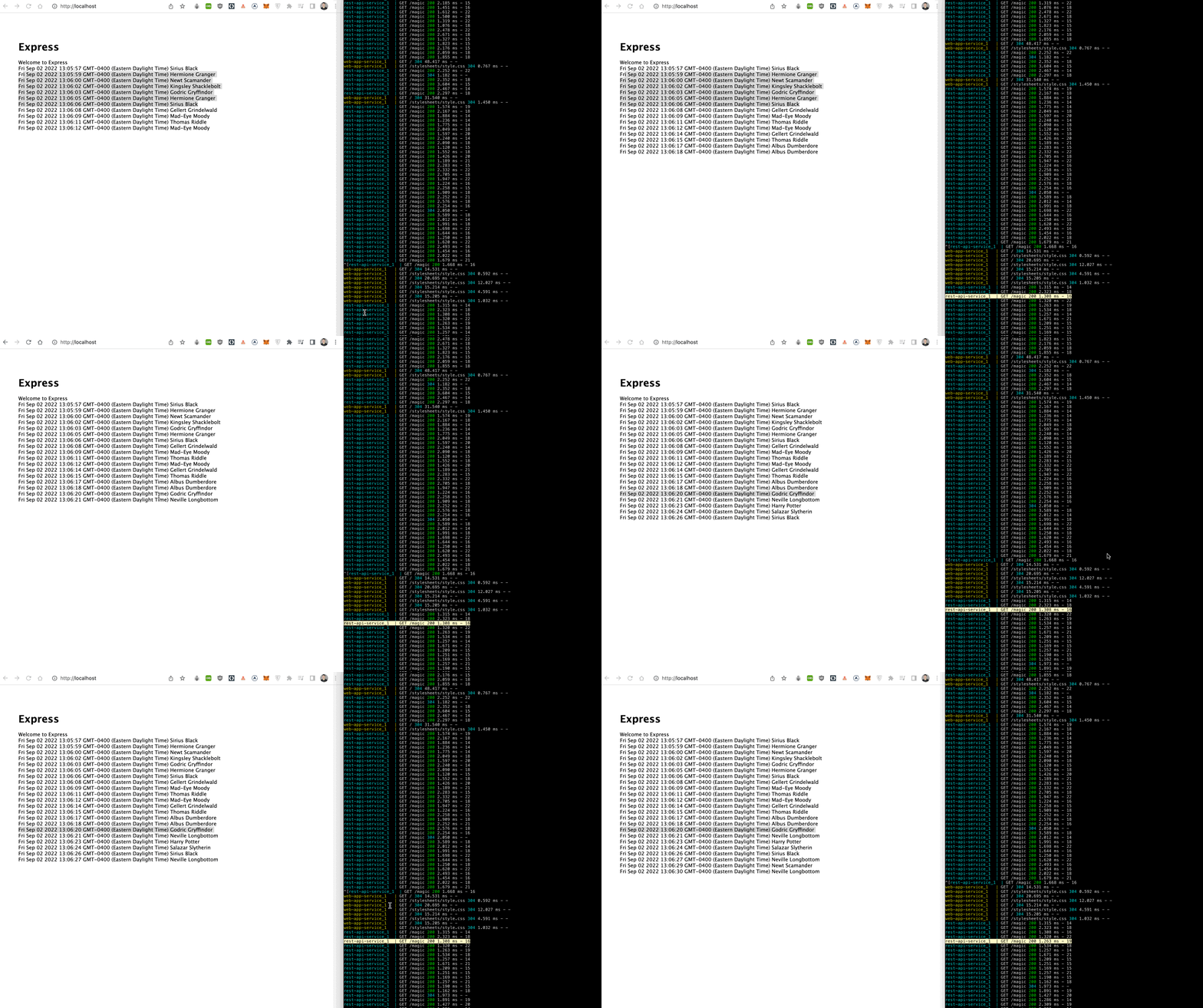
In this tutorial we'll create a full stack web application following the micro service architecture.
We'll use npm, express, and nodejs to build a client web app which requests data from an api server.
Both client and api will be containerized into their own service using Docker.
Lastly we'll use Docker compose to spin up both containers with volumes so that we can work quickly, without having to stop, rebuild, and start our containers.
Create client web app
Create root working directory.
mkdir microservicescd microservicesCreate client microservice directory.
mkdir clientcd clientGenerate project files.
npx express-generator .npm installImplement looping request for an outside service's resources.
// ./client/views/layout.jade script((type = 'text/javascript')).setInterval(() => { fetch('https://jsonplaceholder.typicode.com/todos/1') .then((response) => response.json()) .then((json) => { console.log('JSON:', json) document.getElementsByTagName('p')[0].innerHTML = new Date(Date.now()) })}, 1500)Run application to check it works.
npm startWe should now see we've got a working web application, awesome.
Define client service
Begin containerization of client.
touch DockerfileDefine containerization strategy.
FROM node:alpine WORKDIR /usr/src/app COPY package.json .COPY package-lock.json ./ RUN yarnCOPY . . CMD ["yarn", "start"]Build docker image for this service.
docker build -t client .- The
-t clientspecifies that we're naming/tagging this image asclient.
Check client image exists locally.
docker imagesRun the service using the image we just created to start a new container.
docker run -dp 80:3000 client- mapping host post
80to container's internal3000port. - The
-dpflag specifies that we're running the container in detached mode
Check running containers.
docker psIf we go to http:localhost:80 in our web browser we'll now see that our service is running and being handled by Docker, awesome.
Begin creating api service
Create api service directory.
cd ..mkdir apicd apiGenerate api project files.
npx express-generator --no-view .Define custom business logic.
// ./api/routes/index.jsconst wizards = [ 'Harry Potter', 'Hermione Granger', 'Ronald Weasley', 'Neville Longbottom', 'Mad-Eye Moody', 'Bartemius Crouch Sr.', 'Newt Scamander', 'Sirius Black', 'Kingsley Shacklebolt', 'Draco Malfoy', 'Albus Dumberdore', 'Thomas Riddle', 'Salazar Slytherin', 'Godric Gryffindor', 'Gellert Grindelwald',] router.get('/magic', function (req, res, next) { const wizard = wizards[Math.floor(Math.random() * wizards.length)] res.json(wizard)})Run api on different port in order to avoid port number collision.
PORT=3001 npm startRefactor client business logic.
// ./client/views/layout.jadescript((type = 'text/javascript')).setInterval(() => { fetch('http://localhost:3001/magic') .then((response) => response.json()) .then((json) => { console.log('JSON:', json) const p = document.getElementsByTagName('p')[0] const br = document.createElement('br') p.appendChild(br) p.append(new Date(Date.now()) + ' ' + json) })}, 1500)Resolve CORS issue.
npm install corsUpdate api service config.
// ./api/app.jsvar cors = require('cors') var app = express()app.use(cors())Start api service.
PORT=3001 npm startDefine api service containerization strategy.
FROM node:alpine WORKDIR /usr/src/app COPY package.json .COPY package-lock.json ./ RUN yarnCOPY . . CMD ["yarn", "start"]Build api service docker image.
docker build -t api .Run api service container mapping host machine port 3001 to docker container port 3000.
docker run -dp 3001:3000 apiWe should now see docker running both of our containers.
We can use a docker compose file to run multiple containers if we want.
Create docker-compose.yml file and define two services.
version: '3.9'services: web-app-service: build: ./client ports: - 80:3000 rest-api-service: build: ./api ports: - 3001:3000 depends_on: - web-app-serviceImplement hot reloading for developer happiness
Install nodemon.
cd apinpm i nodemonConfigure api service to use nodemon when it starts.
{ "name": "responder", "version": "0.0.0", "private": true, "scripts": { "start": "nodemon ./bin/www" // Change me }, "dependencies": { "cookie-parser": "~1.4.4", "cors": "^2.8.5", "cors-anywhere": "^0.4.4", "debug": "~2.6.9", "express": "~4.16.1", "morgan": "~1.9.1", "nodemon": "^2.0.19" }}Add volumes inside of docker compose file.
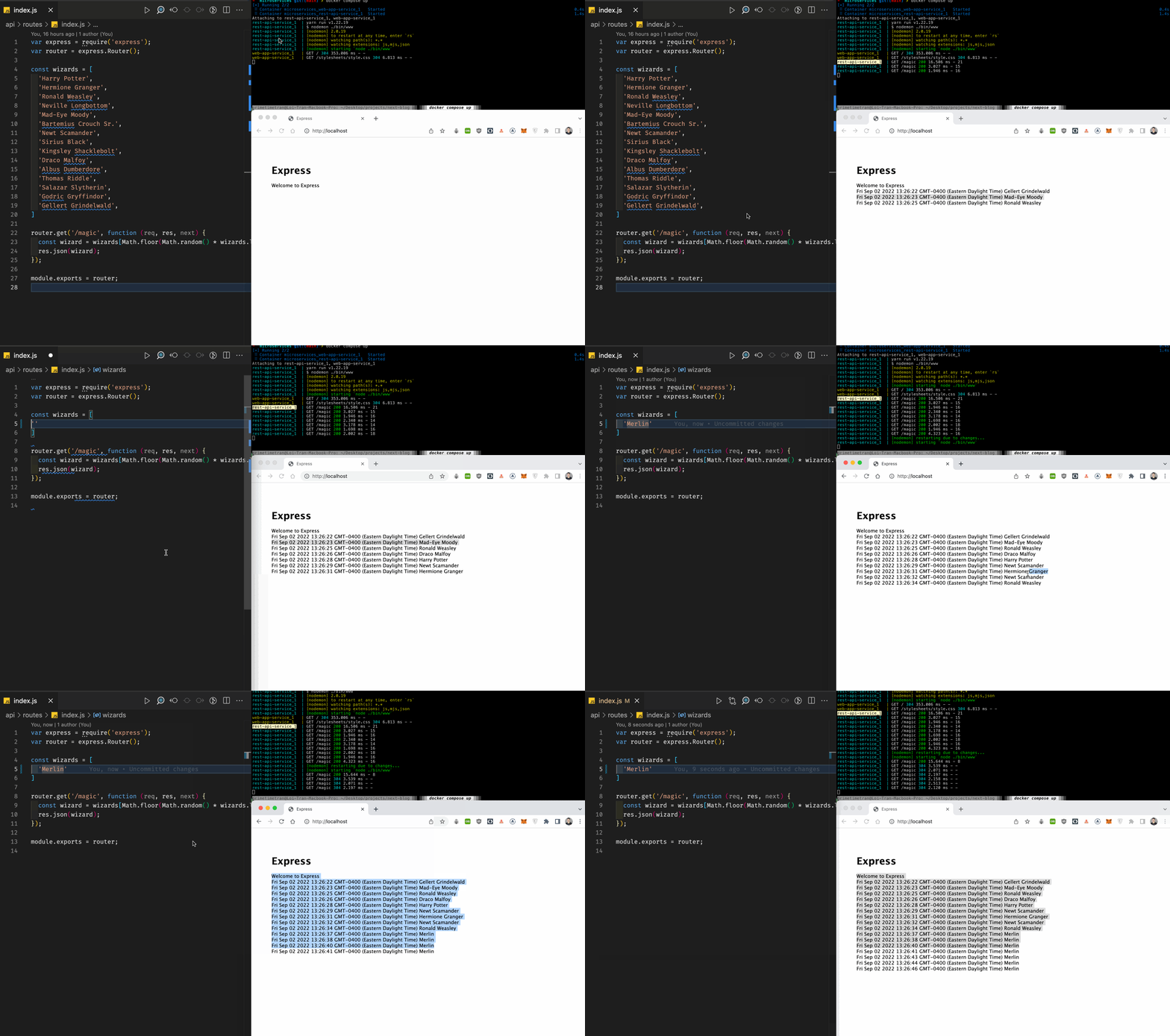
version: '3.9'services: web-app-service: build: ./client ports: - 80:3000 rest-api-service: build: ./api ports: - 3001:3000 depends_on: - web-app-service volumes: # Add us - ./api:/usr/src/app # Add us volumes: # Add us api: # Add usYou should now see that when you change the list of wizards to one person, the changes are reflected immediately, without needing to stop the container, rebuild the image, and restart it, awesome!
Could this article be improved? Please make a suggestion.
Your thoughts and comments are welcome and appreciated.